






How it works?
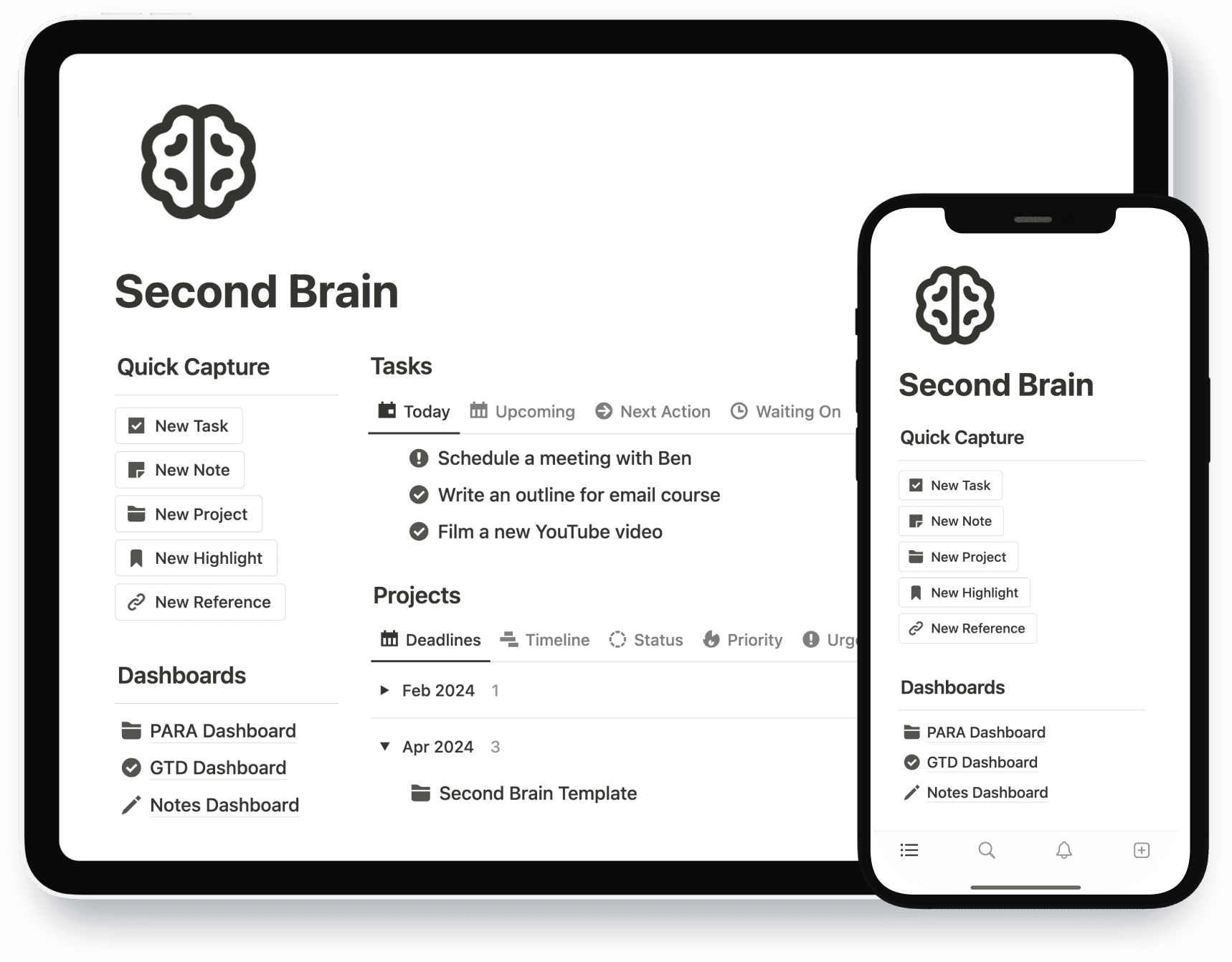
Externalizing information into your Second Brain gives you clarity and structure.
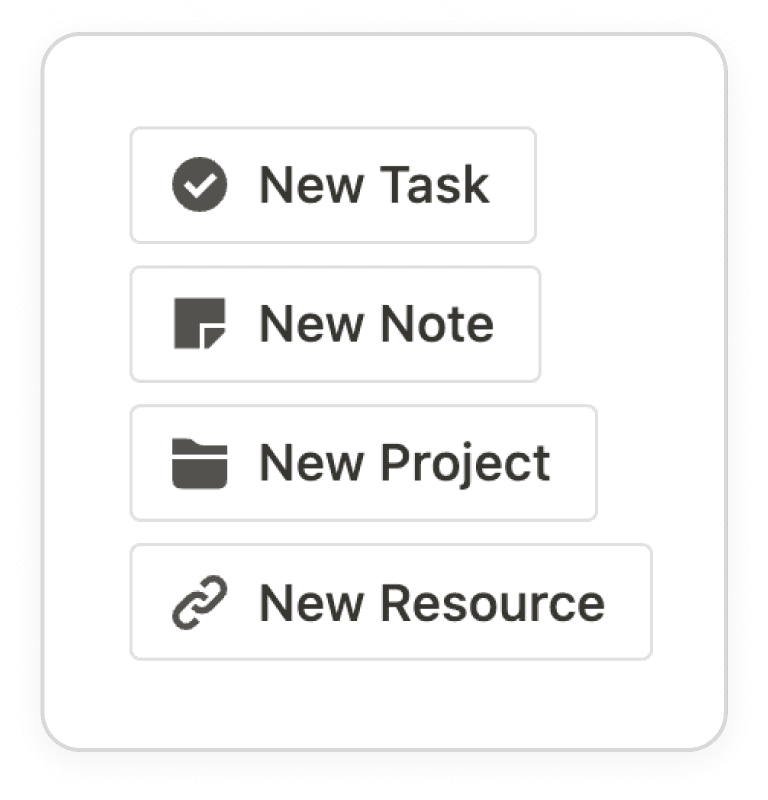
Capture Everything
Capture new ideas, tasks, and notes to avoid forgetting them.
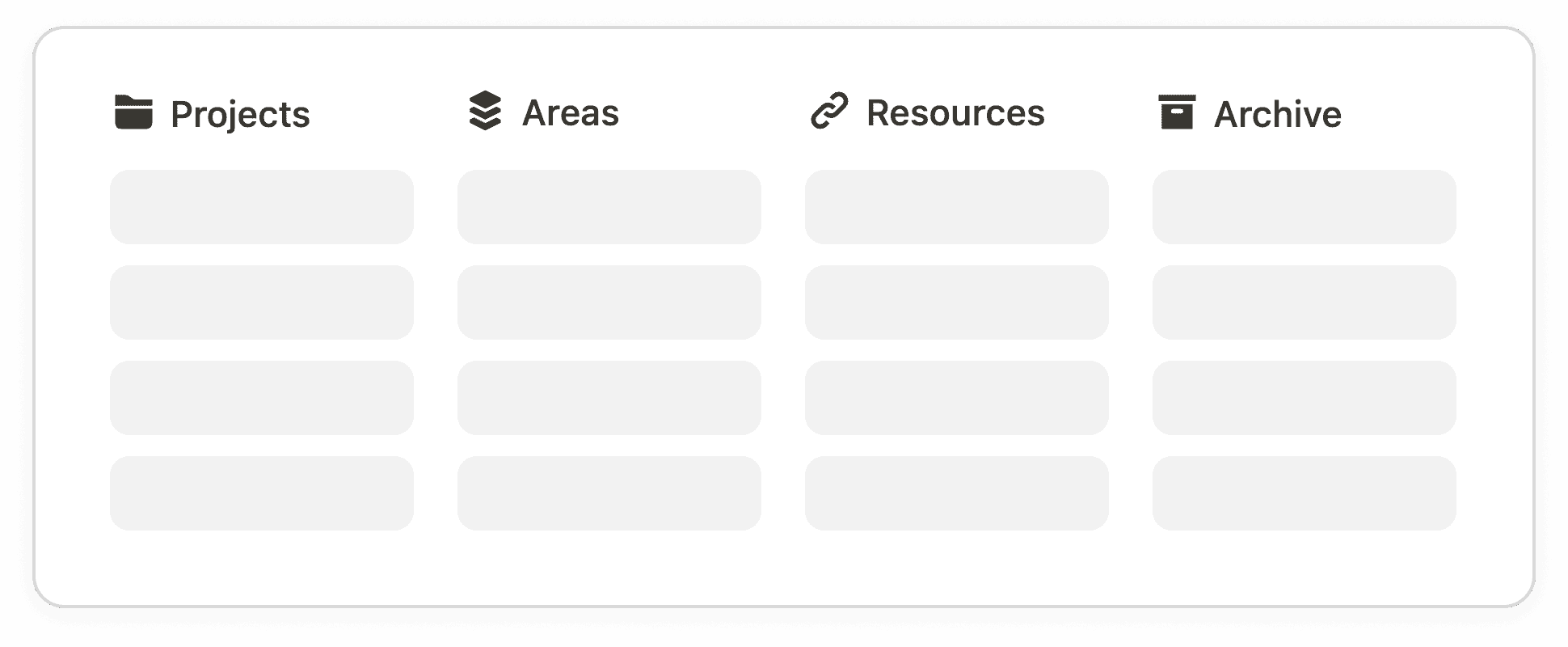
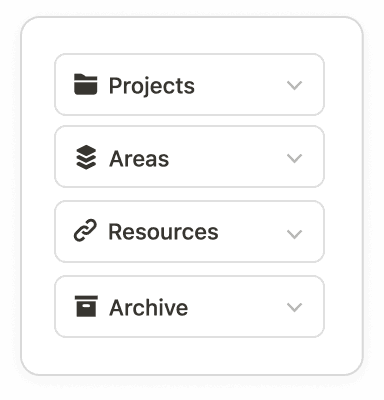
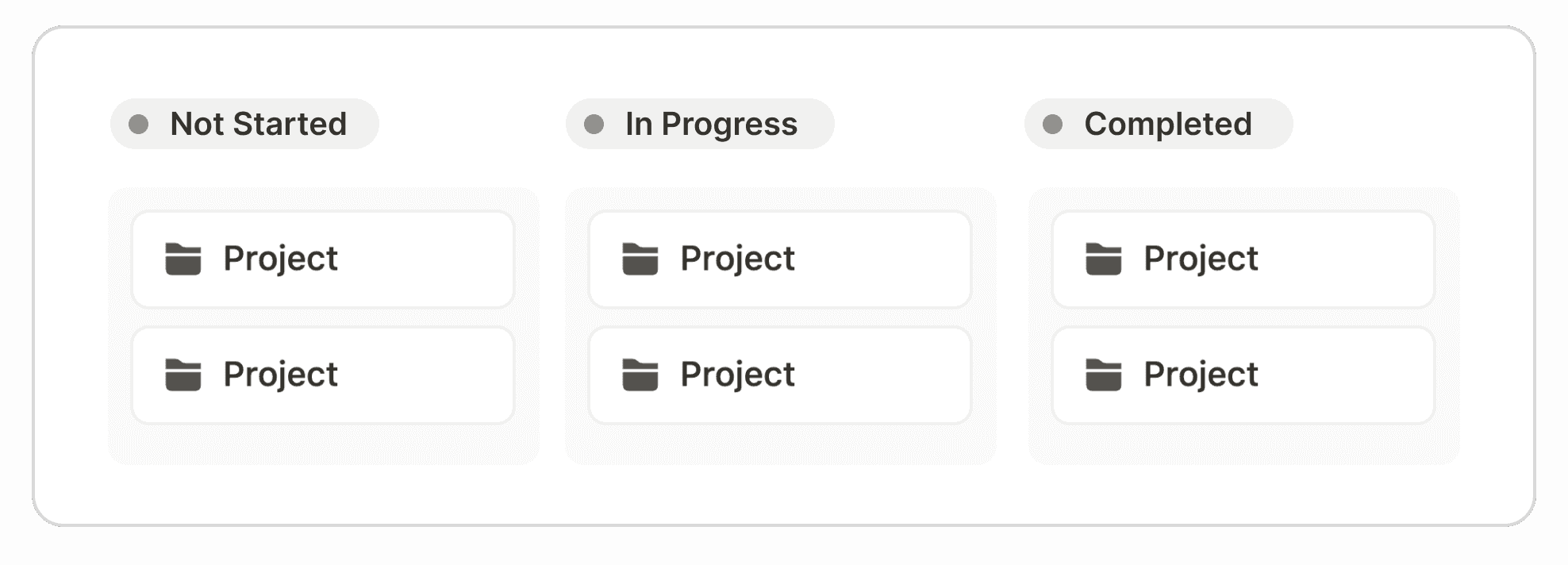
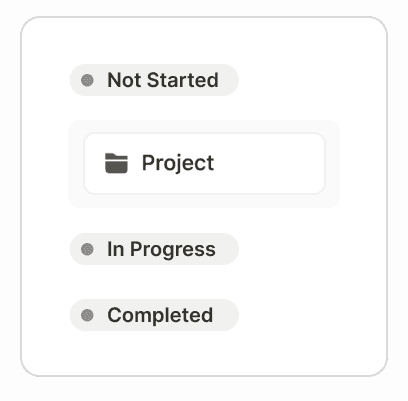
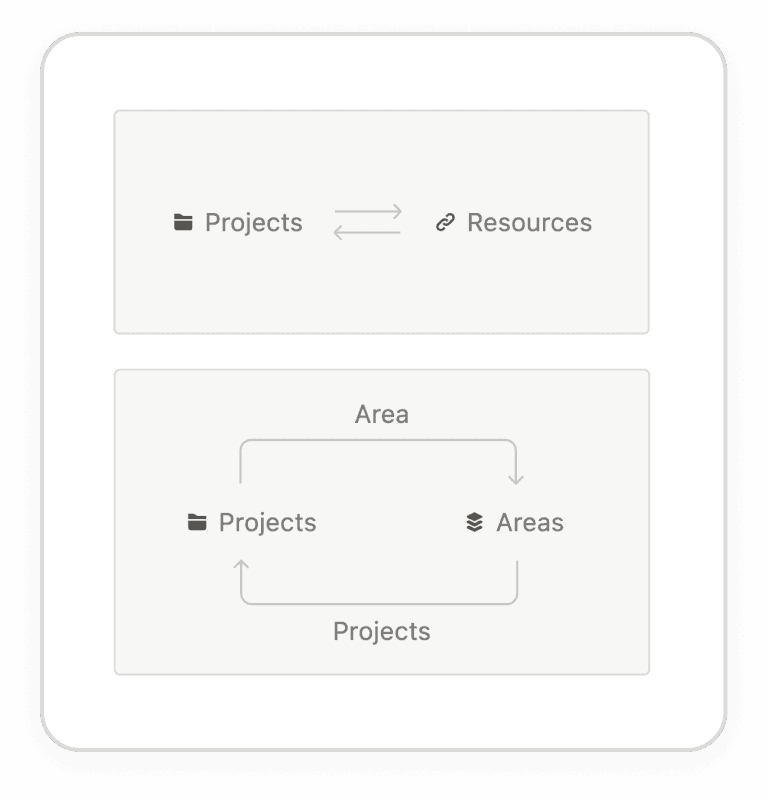
Link Anything
Create connections, such as linking a useful reference to a project.

Keep everything in one place.
Eliminate the struggle of juggling diferent softwares. Enjoy a single, streamlined experience.
Tasks and Sub-tasks
Prioritize your tasks and break bigger tasks into manageable sub-tasks.
Notebook and Notes
Jot down your thoughts, reflections, and ideas and keep them organized.
Goal Tracking
Set goals across your areas of life and align them with actionable steps.
References
Organize your references from articles, videos, podcasts to movies.
Quotes and Highlights
Collect and reflect on meaningful and inspiring quotes and highlights.

You can take a closer look inside.
An all-in-one dashboard that provides a bird's-eye view of your life
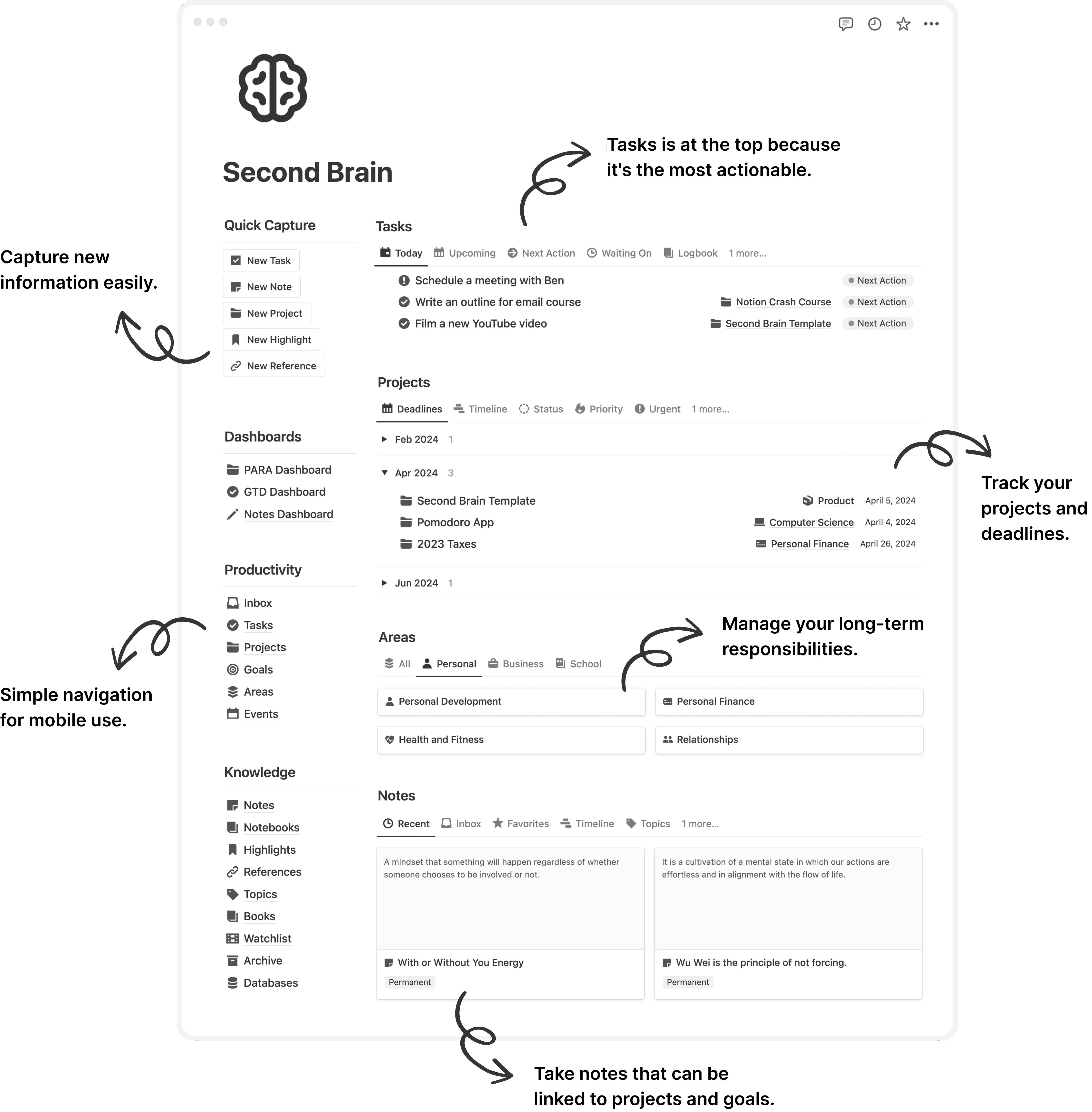

Your Second Brain ready in 1, 2, 3.
Skip hours of learning Notion and building from scratch.
1
Duplicate
Open the template link and duplicate it to your Notion account.

2
Set up
Follow our full video walkthrough to complete the initial setup.
3
Customize
Learn from your daily use cases and adapt it to your needs.
Second Brain Template
$79
$39
One-time payment
✓
Template access
✓
Tutorials and examples
✓
14-day money-back gurantee
Payment secured on Notion Marketplace
What customers are saying about us.
Over 6,000 users have transformed their digital productivity and organization with Second Brain.
Frequently Asked Questions
Still have questions? Send us an email heyeaslo@gmail.com.
Unlock your full potential with today.
Everything you need to start using Notion as your Second Brain.
4.96/5 from 6,813 customers